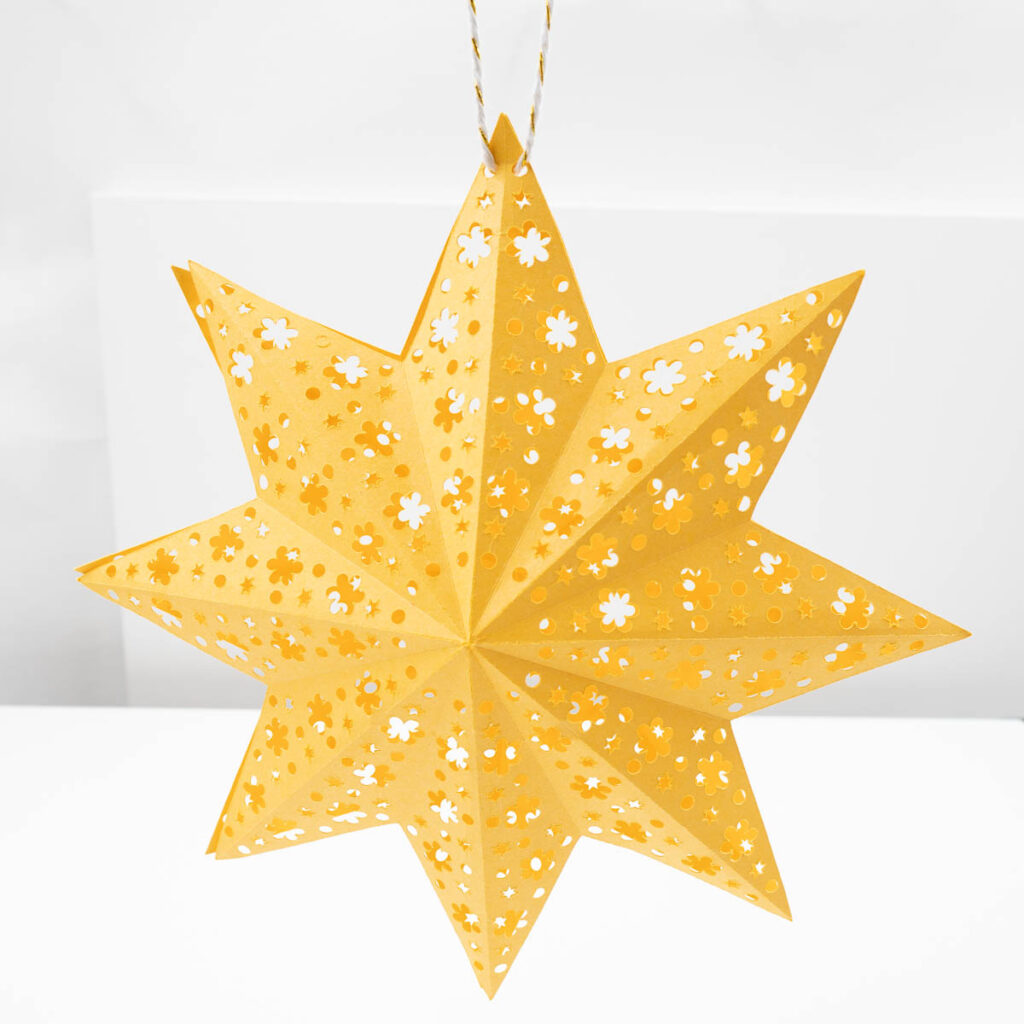
Have you tried to cut a cardboard Christmas Star with your Cricut Maker 3 or other Cricut Machine? If not, it’s such a fun and easy project that makes great Christmas gifts and Christmas decor.
With this tutorial you’ll learn how to cut a Christmas Star on medium cardboard, fold and assemble. You can do it easily with a free Christmas Star SVG file.
Let’s get started with this easy step by step tutorial.

Download the Free Christmas Star File
You can find this file in my free craft file library. The file number is C2.
Save on Pinterest!
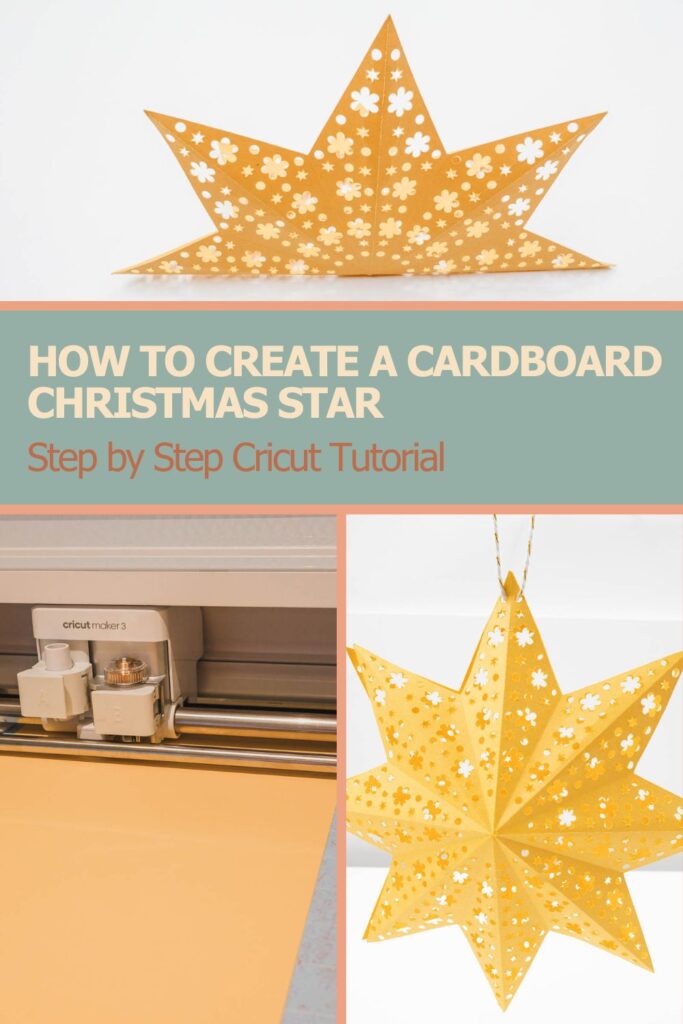
How to Create a Cardboard Christmas Star on Your Cricut


Materials
- 2 Sheets Medium Cardstock (80 lb – 216 g) Yellow
Instructions
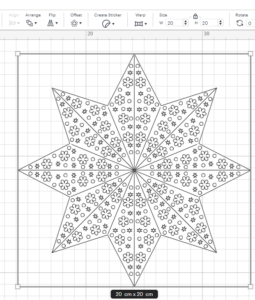
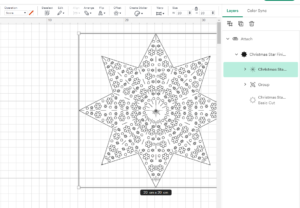
- Download the file from our resource library or our shop and upload it to Cricut Design Space.

- Resize it to the size you want to make your star. The star in the sample is made to be a 7.8 inches / 20 cm wide.

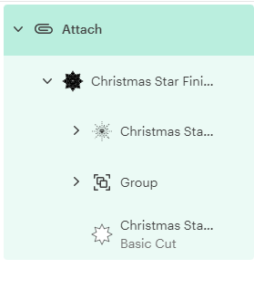
- In the layers panel, find the group with the folding lines and change the operation to "Score"Make sure the other parts has operation set to "Basic Cut".

- Select the file in the layers panel and click "Attach" in the lower right corner.

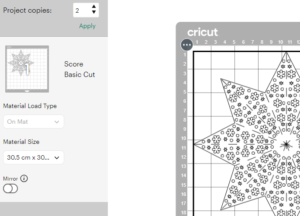
- Click "Make" in the top right corner.

- Change the project copies to 2.

- Select the material by clicking "Browse All Materials" and choosing "Medium Cardstock – 80 lb (216 gsm)".

- Turn on your Cricut machine and click continue. Wait for it to connect.

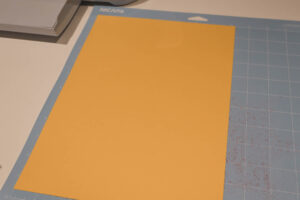
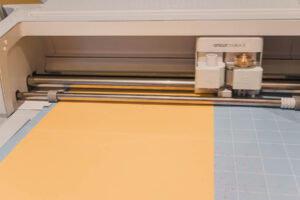
- Place your cardboard on the cutting mat.

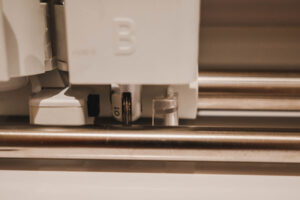
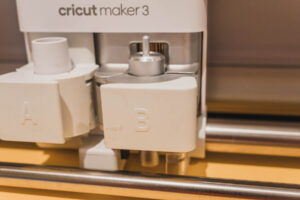
- Load the single scoring wheel in clamp B.
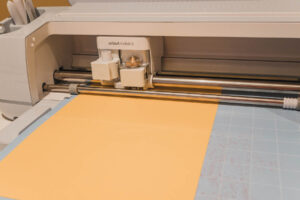
- Load the mat.
- Click the "Go button" and let the Cricut score your project.
- Load Fine-Point Blade in Clamp B and press go button.
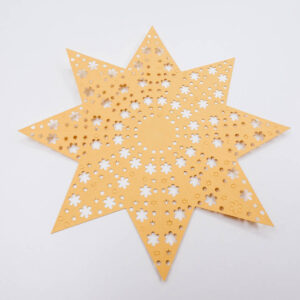
- Click unload mat and remove the star from the cutting mat.

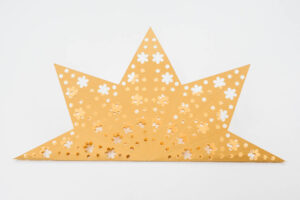
- Fold the long line outwards.
- Fold the short lines inwards.Repeat the steps for the second part of the star.
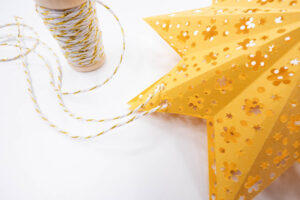
- Have the stars facing from each other, thread string through the flower shapes at the top of one of the star tips. Adjust the length of the string to your needs.
- Cut the string and tie a knot and hang it up.




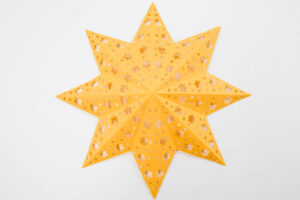
You’ve Now Learned To Create A Cardboard Christmas Star on Your Cricut
I hope you enjoyed this detailed step by step tutorial showing you how to use your Cricut Maker 3 to create a cardboard Christmas Star.
It’s such a fun and easy Cricut project, that you can easily impress friends and family with this Christmas.
It’s also a cheap way to decorate your home for this holiday season.
Happy Crafting!